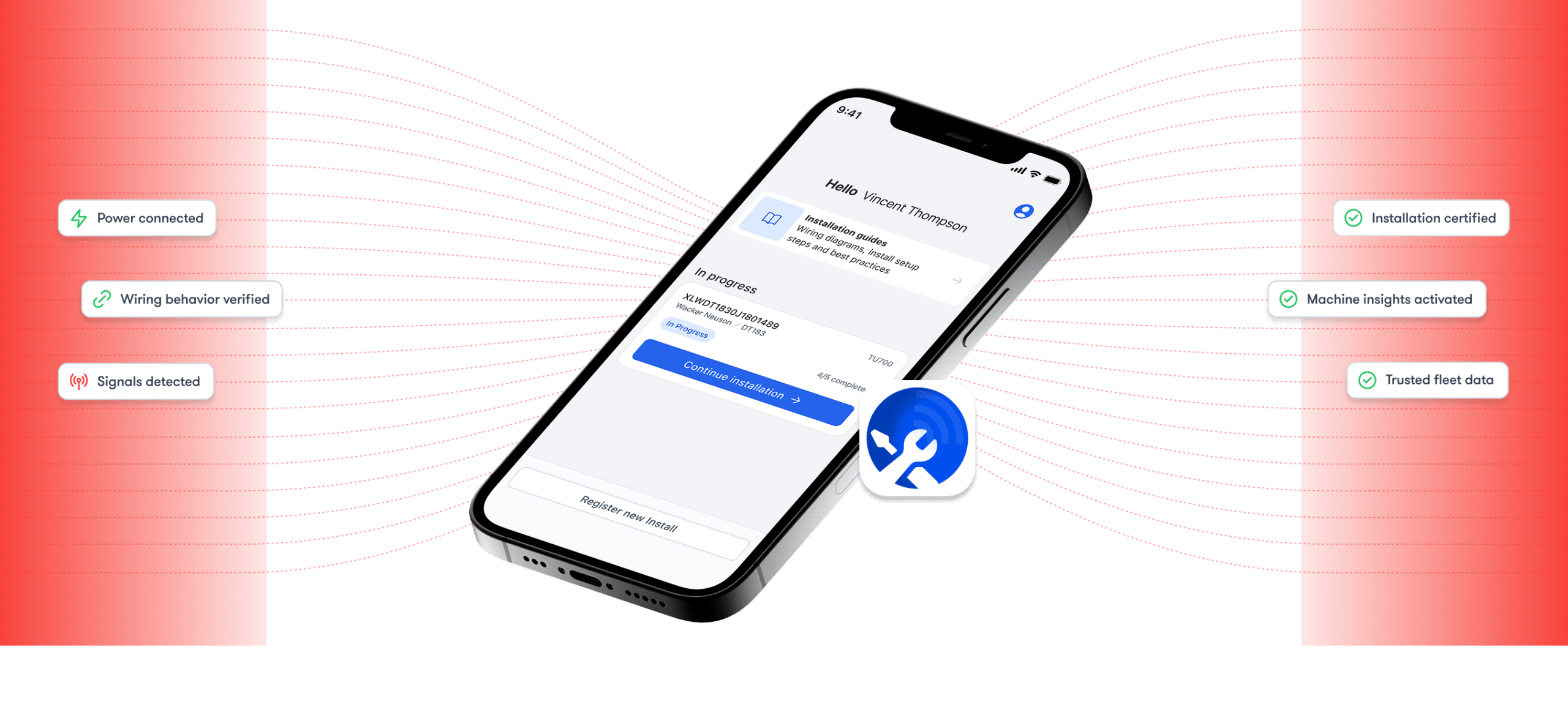
Validate installs of Trackunit devices so machines report complete, trusted data from day one.
Built for Construction
Ready for yards, depots, and jobsites with
mixed fleets
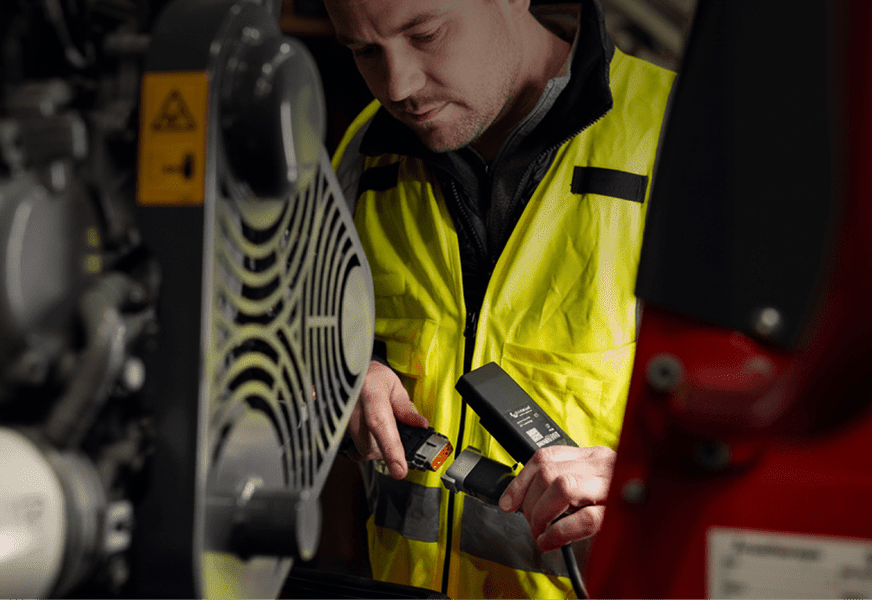
Equipment types vary across jobsites, depots, and fleets. Trackunit Fit supports retrofit installs across mixed fleets and field environments where standard install methods don’t apply.
Built for mixed fleets
Validate installs consistently across different OEM brands, asset types, and wiring variations.
Reliable outcomes whether the asset is an lift, generator, or excavator.
Validation at install
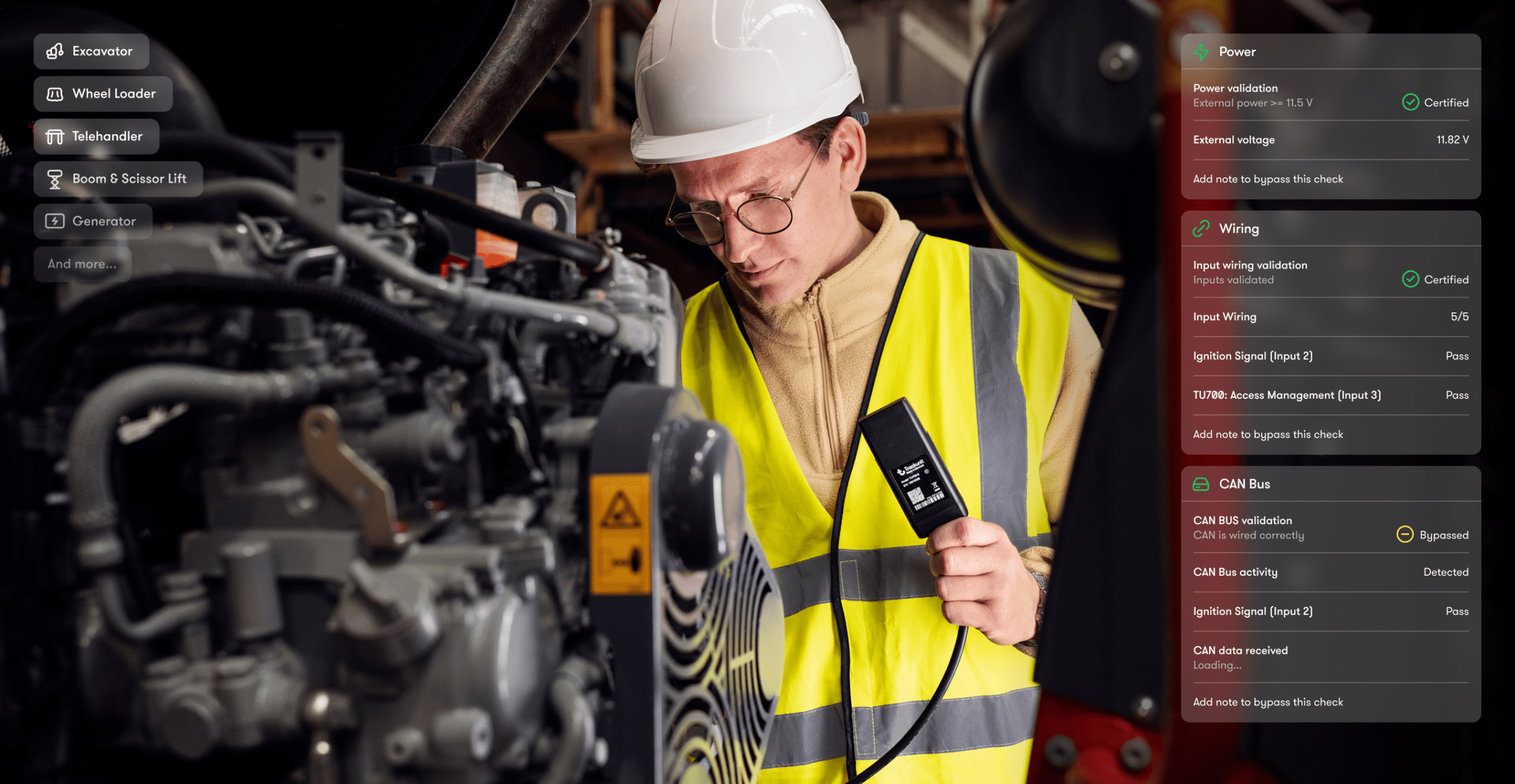
Confirm power, wiring behavior, and signal readiness before the technician leaves the machine.
Issues are resolved during install, not discovered later in Manager.
Installation traceability
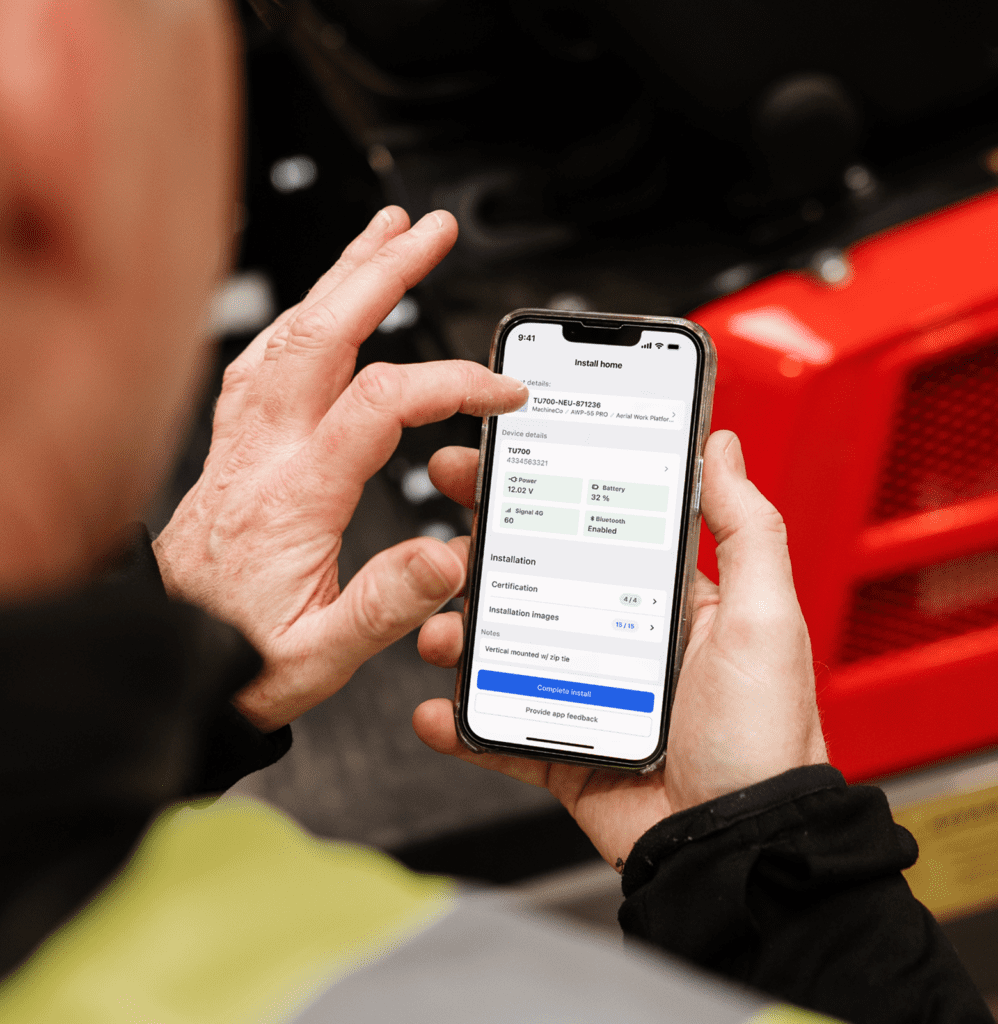
Capture photos, metadata, and validation status as part of the install workflow.
Every device is linked to a known asset with a documented install record.
Connectivity health
Ensure devices begin reporting complete and dependable signals from day one.
Your machine insights come from validated signals.
Record keeping
Photos and records handled outside install flow
With Trackunit Fit
Power & signal
Power and signal behavior validated on site
Machine insights
Machine insights surfaced when available
Asset meta data
Asset metadata captured and synced
Machine context
Devices linked to verified asset
Record keeping
Photos and install records auto-logged in one place
How it Works
Validation built into the workflow
Most installation challenges come from variation not failure. Fit brings consistency to the installation process.
01
Detect device
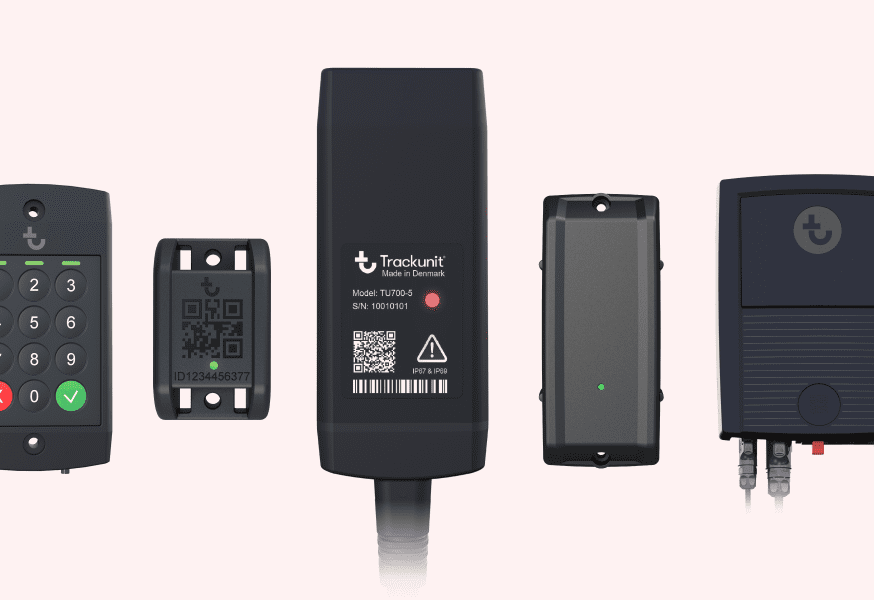
Scan barcode and connect TU600 or TU700 Raw wiring to the asset.
02
Enter asset details
Input asset make, model, serial number, and operating hours.
03
Confirm device and ignition power
Run checks to validate correct inputs.
04
Detect CAN signals
Follow prompts to verify CAN signal readiness.
05
Get certified and sync
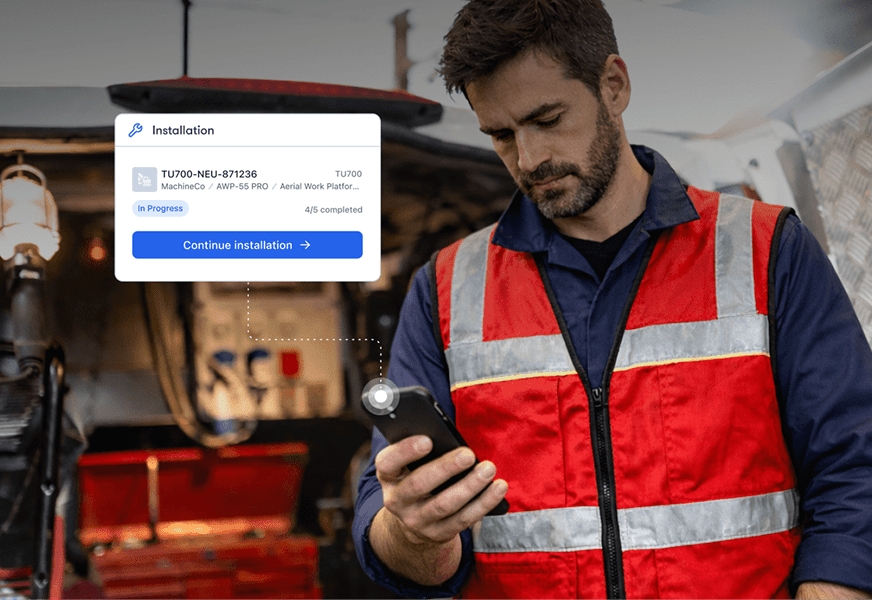
Review validation and capture photos, then sync the certified install to Trackunit Manager.
Proven Impact
Installed and ready
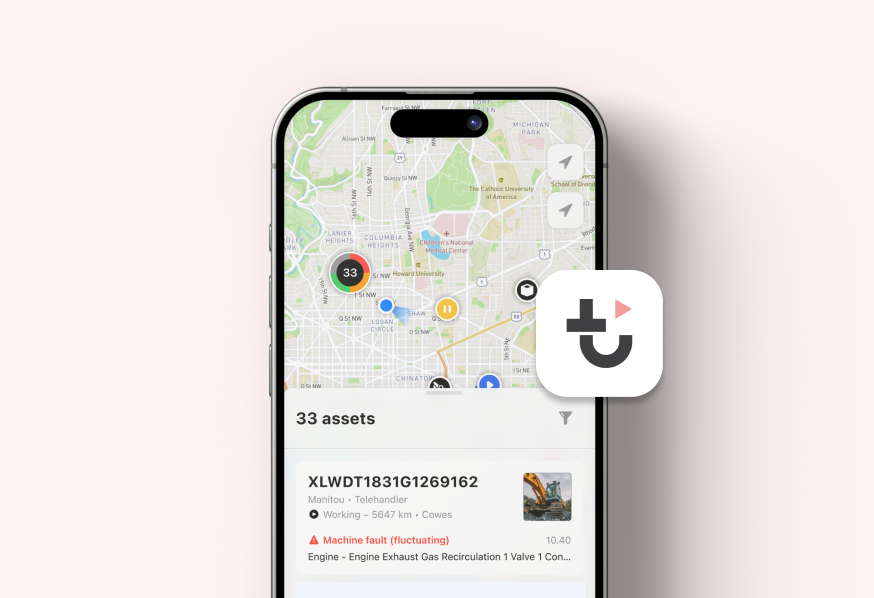
When validation passes, the device is linked to an asset in the Trackunit Manager so fleet and service teams get reliable machine insights.
We can see during install whether machine signals are present, so devices are ready to report as soon as they come online.
– Field Technician
Validating installs before machines turn back into the fleet helps us avoid follow-up visits and devices that show up but don’t report what we really need.
– Rental Fleet Operations Manager
Trackunit Fit gives us a record of every install so we can review what was done, coach techs, and resolve questions without going back to any machines.
– Installation Supervisor
FAQs
We’ve got answers to your top questions about Trackunit Fit
When should Trackunit Fit be used?
Trackunit Fit is used during retrofit installations to validate that a TU600 or TU700 Raw device is ready before the installer leaves the machine. It establishes when an installation is complete by confirming power, wiring behavior, and signal readiness.
What does a validated install confirm?
A validated install confirms that the device has power, wiring is connected correctly, ignition signals are detected, and CAN data is ready to transmit. When validation passes, the asset is linked in Trackunit Manager and begins reporting complete data from day one.
What happens if a device fails validation during install?
Trackunit Fit identifies which check failed and prompts the technician to resolve it before leaving the machine. This prevents non-reporting devices from entering the fleet and eliminates the need for follow-up site visits to diagnose missing data.
Can Trackunit Fit be used in low connectivity environments?
Trackunit Fit can be used in low connectivity environments, but an internet connection is required to complete validation and sync installation data to Trackunit Manager.
Do users need special training to use the Fit app?
Because Trackunit Fit includes step-by-step validation and install confirmation workflows, specialized training is not required to use the mobile app.
Once users download the Fit app, how do they login?
Trackunit Fit users can login using their existing Trackunit Manager credentials. If users don’t have a Trackunit Manager login, they should contact their admin to request an account.
App Resources
Get started with Trackunit Fit
Resources to install with confidence and establish connectivity health from the very first install.
Help Center Article
Getting started with the Trackunit Fit mobile app
Get started with the Trackunit Fit app to validate installations of TU600 and TU700 Raw IoT telematics devices.
Checklist: Preparing for IoT device installation with the Trackunit Fit app
Preparing for IoT telematics installation reduces errors, prevents non-reporting units, and ensures equipment data is clean and available from day one.
Get hands on with the solutions that can empower your digital journey. Let’s connect and find the right time and place to explore your connectivity potential.
Solutions
Explore Trackunit’s products & solutions
Discover the products and solutions that unlock new value from your equipment data and accelerate your journey to eliminate downtime.
Construction Telematics
Telematics system to connect your entire fleet
With Trackunit, turn real-time CAN data, fault codes, and service insights into proactive maintenance that keeps your fleet running, eliminating costly downtime.
With Trackunit Go gives fleet managers and technicians real-time visibility, smart alerts and event logging to act faster, prevent breakdowns and keep machines performing at their best.