




Getting ready is half the job.
When teams, tools, and access are prepared ahead of time, IoT telematics installations across construction fleets start strong, meaning equipment data is clean, complete, and available from day one.
A great IoT device installation begins long before anyone opens a toolbox. For organizations managing mixed construction fleets across multiple sites, preparation turns installation from a one-off task into a repeatable process. The Trackunit Fit mobile app supports this moment by validating installation outcomes in real time, so technicians can leave the jobsite confident the device is ready to report.
Preparation also supports installation validation by ensuring devices, credentials, and asset details are ready before work begins.
Even experienced technicians lose time chasing issues that preparation could have prevented: incorrect wiring, missing machine insights, incomplete metadata, or access problems that delay validation. Each issue compounds into rework, extended rollout timelines, and less reliable machine data downstream.
I’ve worked with rental customers who’ve seen both sides of this equation. One large regional rental company expanded telematics across a 50 machine fleet and quickly found that nearly 20 percent of units were not delivering reliable data due to incomplete metadata and installation errors. After introducing the Trackunit Fit mobile app into the install process, non reporting units dropped to 3.6 percent, representing an 80 percent reduction in installation related issues. Metadata capture improved from 51 percent to 100 percent, while CAN capture on eligible machines increased from 11 percent to 43 percent. Technicians also completed installs faster by validating work in real time instead of returning later to correct preventable errors.
At scale, those time savings compound quickly across multi-site fleets because preparation and real-time validation reduce rework.
What does installation readiness mean?
Installation readiness means technicians, hardware, credentials, and asset details are prepared before arriving on site so validation can happen without delays or rework. When preparation is consistent, installations become easier to scale and easier to trust.
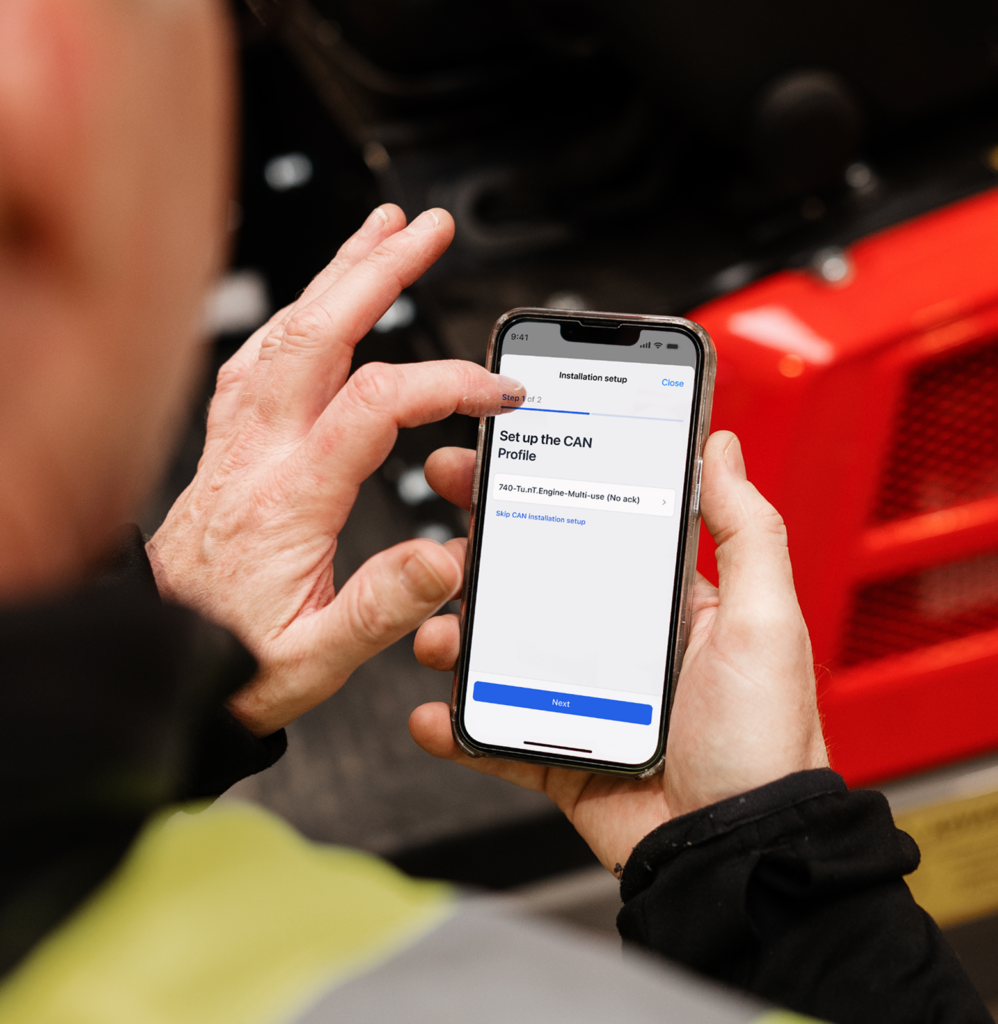
What is the Trackunit Fit mobile app used for? The Trackunit Fit mobile app is used during installation to validate that a Trackunit IoT device is installed correctly and ready to report data before the technician leaves the machine.
How does Trackunit Fit help prevent installation-related issues? Trackunit Fit validates installation outcomes in real time, confirming power, expected wiring behavior, and signal readiness so issues are identified and fixed during installation rather than after deployment.
Do technicians need deep telematics expertise to use Trackunit Fit? No. Trackunit Fit is designed for field technicians and installers and does not require advanced telematics or CAN expertise. It confirms installation results without guiding wiring methods or diagnostics.
Think of this as your standard checklist before every IoT device installation project across your construction fleet. Each step reduces friction in the field and helps technicians complete installs with confidence.
1. Confirm mobile readiness
Before heading to the field, ensure each technician’s smartphone meets minimum OS and hardware requirements. Bluetooth®, camera access, and location services should be enabled for device scanning, validation, and photo documentation. Confirm basic cellular or Wi-Fi coverage where installs will take place.
2. Verify access and credentials
Each installer must have an active user profile in Trackunit Manager. Ask technicians to download and log in to the Trackunit Fit app in advance to confirm access before arriving on site. This avoids delays once the machine is opened.
3. Run a test install
A short dry run helps even experienced teams. Practicing in a controlled environment allows technicians to become familiar with scanning devices, assigning metadata, validating power and signal readiness, and completing documentation.
4. Equip technicians with the right hardware
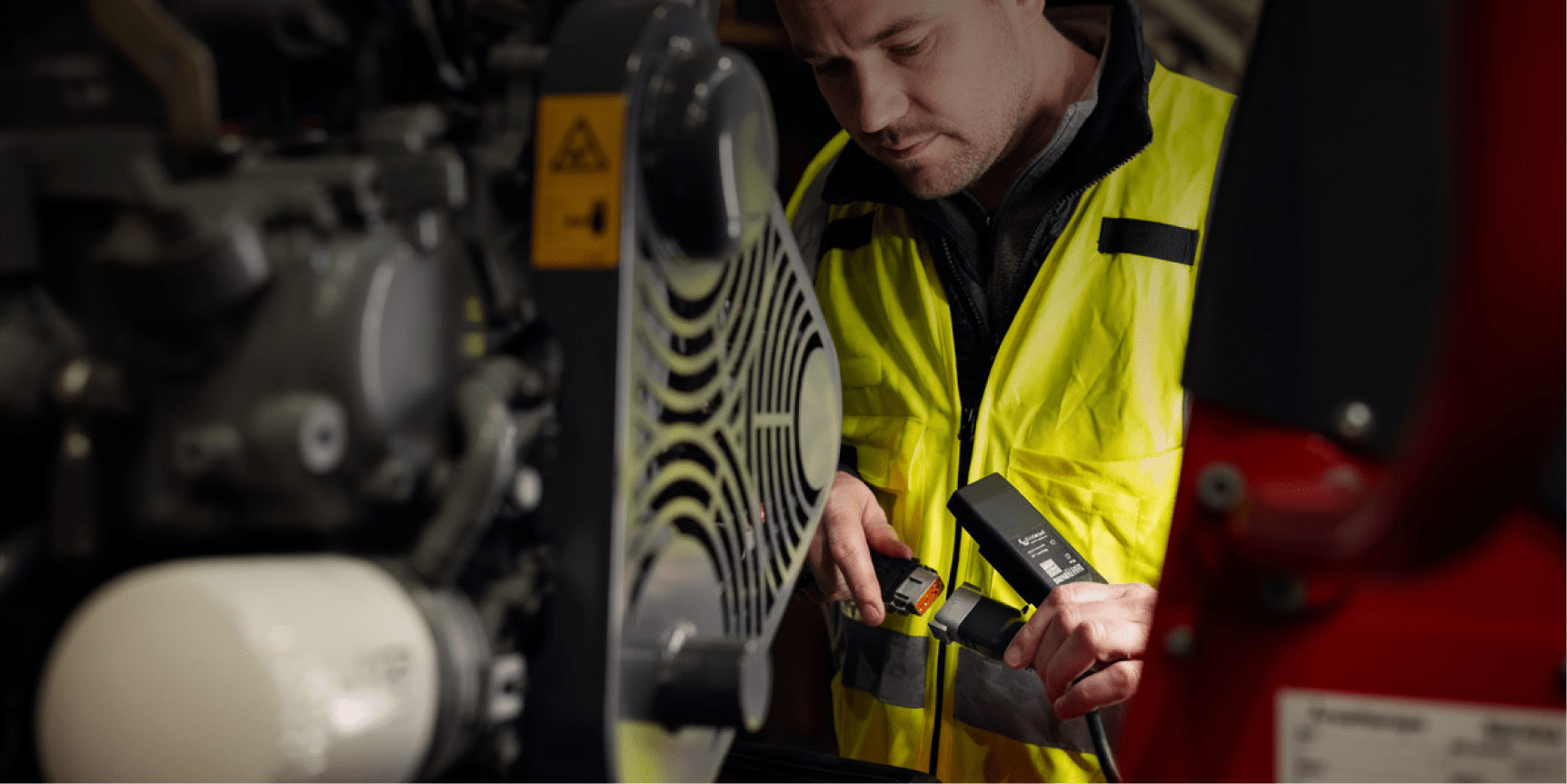
Ensure all IoT devices, wiring harnesses, adapters, mounting kits, and fasteners are staged and labeled by machine type. Technicians should also have PPE, multimeters, and correct fuses available.
5. Match assets and metadata in advance
Prepare an equipment list before heading to the field. During installation, technicians will link each device to the correct machine and capture metadata such as make, model, serial number (VIN), and operating hours.
Technicians should have a compatible mobile device, valid Trackunit Manager credentials, the correct IoT hardware, prepared asset metadata, and basic connectivity at the job site.
Yes. Installations can be completed in low-connectivity environments and synced once a network connection is available.
Preparation ensures devices are correctly powered, configured, and linked to the correct asset before validation. This reduces the risk of devices appearing connected while failing to deliver usable data later.
After validation, ongoing device connectivity and performance are monitored through Device Health in Trackunit Manager, ensuring disruptions are detected and resolved early.
Rental companies use Trackunit Fit to standardize retrofit IoT device installations across distributed construction fleets. One project manager shared that their team stopped second-guessing installs once they could validate power and signal readiness directly in the app.
Structured validation and documentation ensure devices do not just come online — they deliver reliable data that downstream systems can trust.
Justin D’Entremont is a Software Engineering Manager at Trackunit, a global SaaS company that connects construction equipment through IoT technology to deliver data-driven insights for the construction industry. He leads engineering teams responsible for building and scaling core software systems.
With more than a decade of experience in product development and technical leadership, Justin specializes in system architecture, agile delivery, and developing resilient platforms that support connected construction solutions.
He writes about software engineering leadership, scalable system design, IoT technology, and building high-performing engineering teams.