Trackunit IrisX MCP

Ask your fleet anything. Act on the answer.

The intelligence behind 2 trillion construction data points, now a question away in Claude, ChatGPT, and Microsoft Copilot.

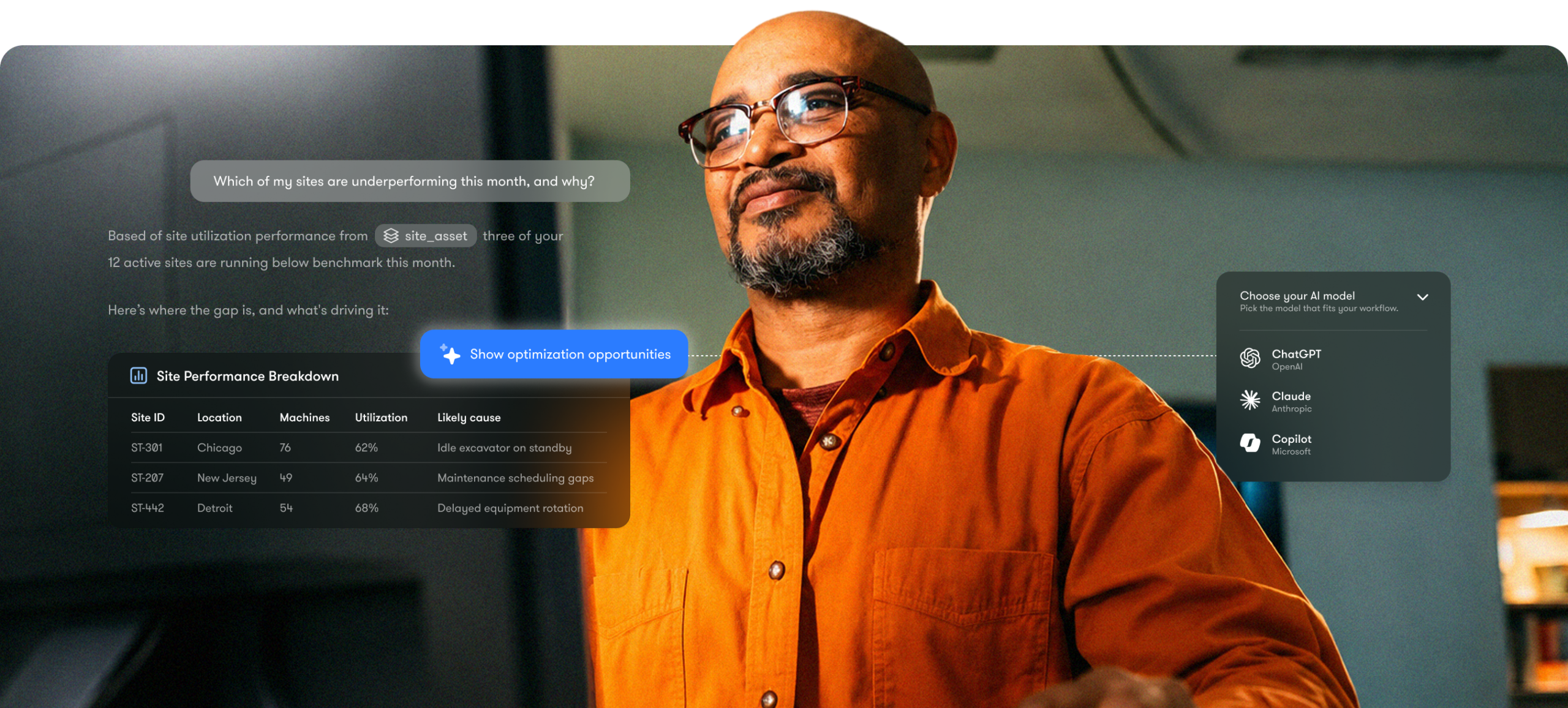
A man in glasses and an orange shirt smiles as site performance and cloud service data visualizations highlight a connected jobsite.
Solution benefits

Where AI meets equipment intelligence

IrisX MCP connects to equipment intelligence structured and harmonized for construction, so the answers are grounded in how the industry actually works.

Instant Answers

Query fleet-wide utilization or a single machine's fault history, answered in seconds.

Ask and act

Create alerts, update records, or assign access, in the chat, no extra tool, no extra login.

Automate

Turn a repeat question into a standing routine, so it runs without you asking again.

Accurate intelligence

Grounded in 3B+ new data points daily, across 6M machines and 120+ OEM brands, so it fits how your fleet runs.

Your choice of AI tool

Use the AI client your teams already know (ChatGPT, Claude or Copilot), nothing new to train them on.

Connect quickly

No custom integration, no coding. You're live in minutes, not weeks or months.

Every make, one place

Every manufacturer's equipment in one view, so no data hides in a blind spot.

Secure by default

OAuth 2.1 and your existing permissions, so nothing is seen beyond what's already cleared.

The challenge

Your fleet data couldn't answer back

A report told you what happened, but you couldn’t ask it why, or what to do next. Every follow-up used to mean another export, another dashboard, another wait. The data was there. The conversation wasn’t.

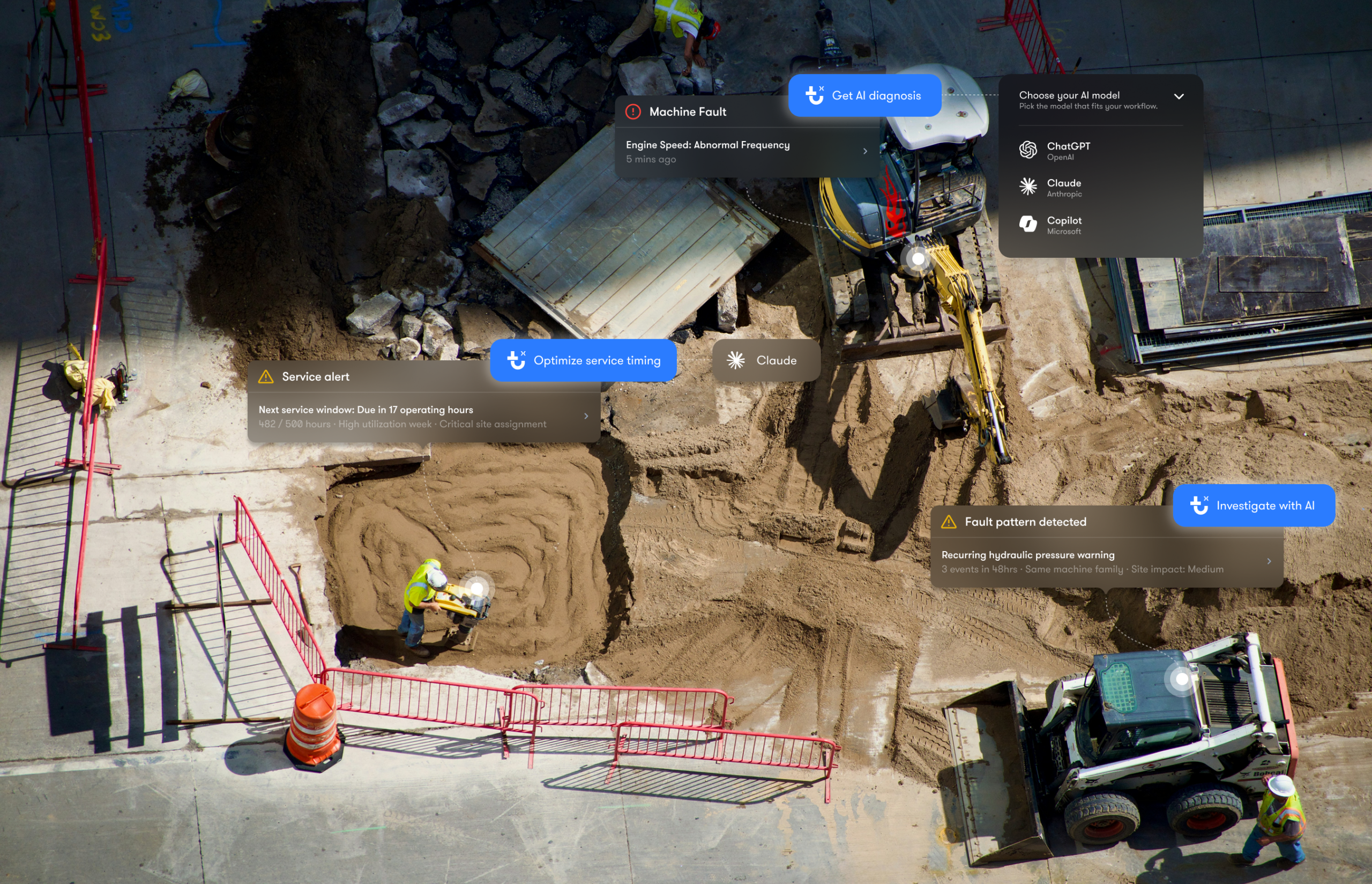
Aerial view of a construction site with workers and machinery, overlaid with digital notifications showing equipment maintenance alerts and diagnostics, illustrating connected jobsite technology.
Meet IrisX MCP

Start a conversation with your fleet

IrisX MCP connects your equipment intelligence to the AI your teams already use, turning it into something you can question directly, and act on at once.

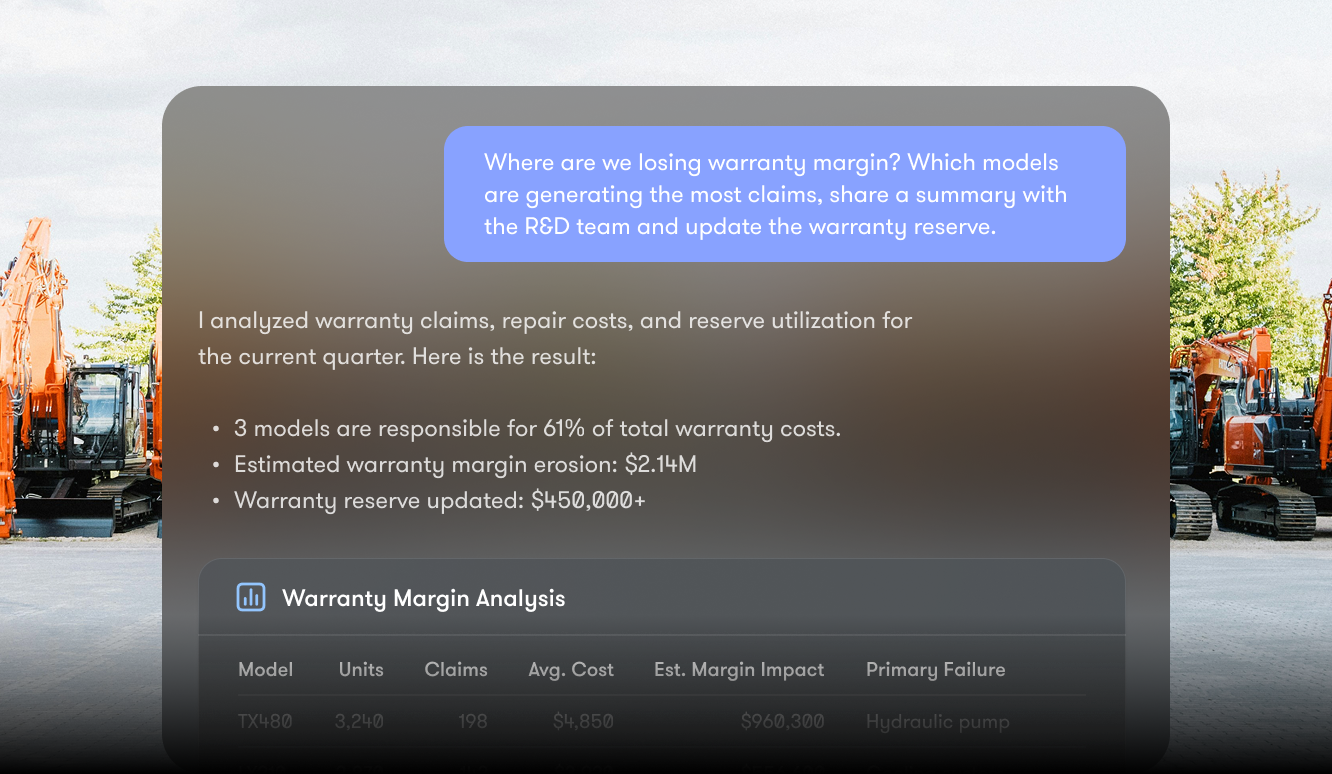
Slide with chat on warranty margin loss, claims summary, key cost models, and reserve update. Construction equipment in background.

For OEMs

Turn field data into product intelligence. Ask which model variants log the most faults, and under what conditions, with the whole installed base behind the answer.

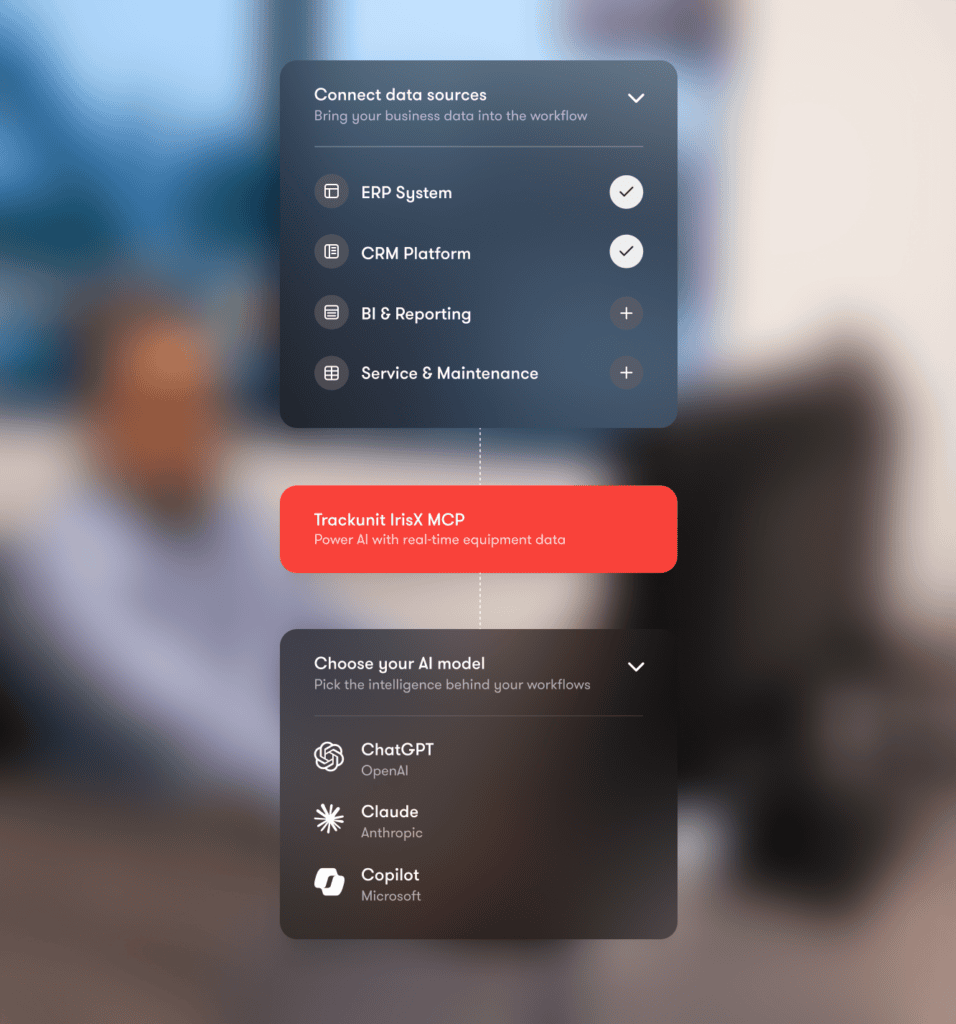
A man at a desk views diagrams of data sources connecting to an MCP server and platforms, related to connected jobsite.

For dealers

Ask the questions you’d need an analyst for. Spot failure patterns across your customers’ fleets, find what’s driving them, and reach out before the call comes in.

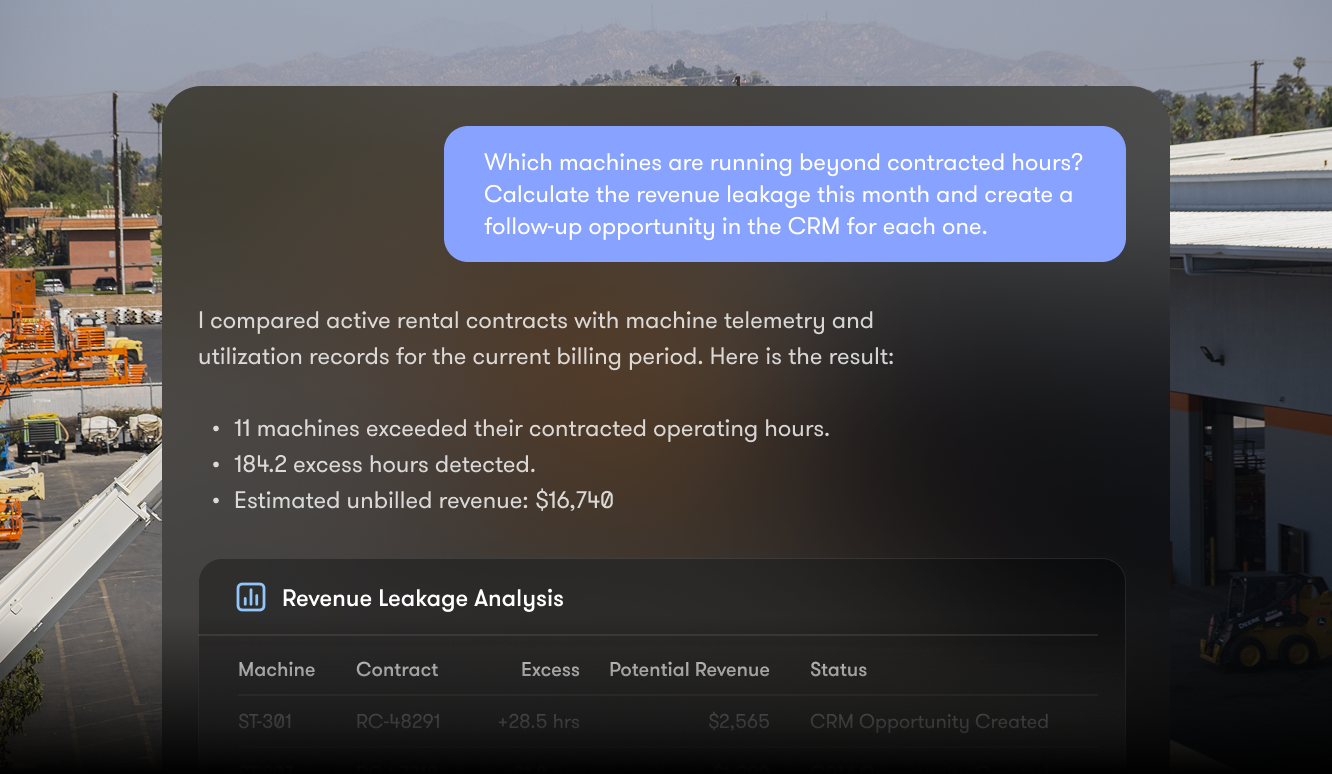
A dashboard shows excess machine hours and unbilled revenue, with industrial buildings behind; relates to construction equipment tracking.

For rental

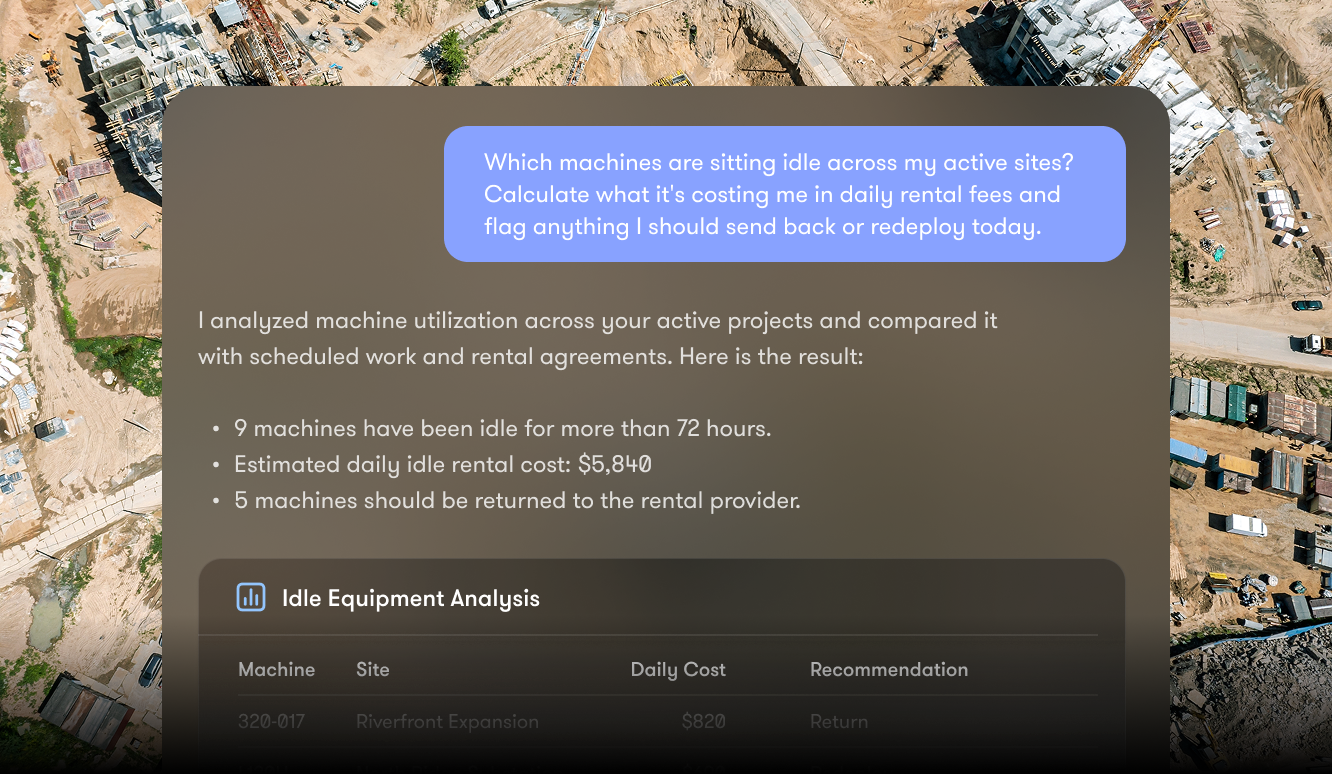
Stop revenue leaking quietly. Connect the dots a dashboard keeps apart, asking which machines are idle, off-rent, or drifting toward failure, and where moving a single machine solves two problems at once.

Screenshot of equipment management software analyzing idle machines, usage, rental costs, and return suggestions for construction equipment tracking.

For contractors

Keep the schedule intact. Ask what’s keeping a machine from working, which equipment types keep causing delays, and where to move a replacement, before one stall becomes a project risk.

Step-by-step

How to get one view of your entire fleet

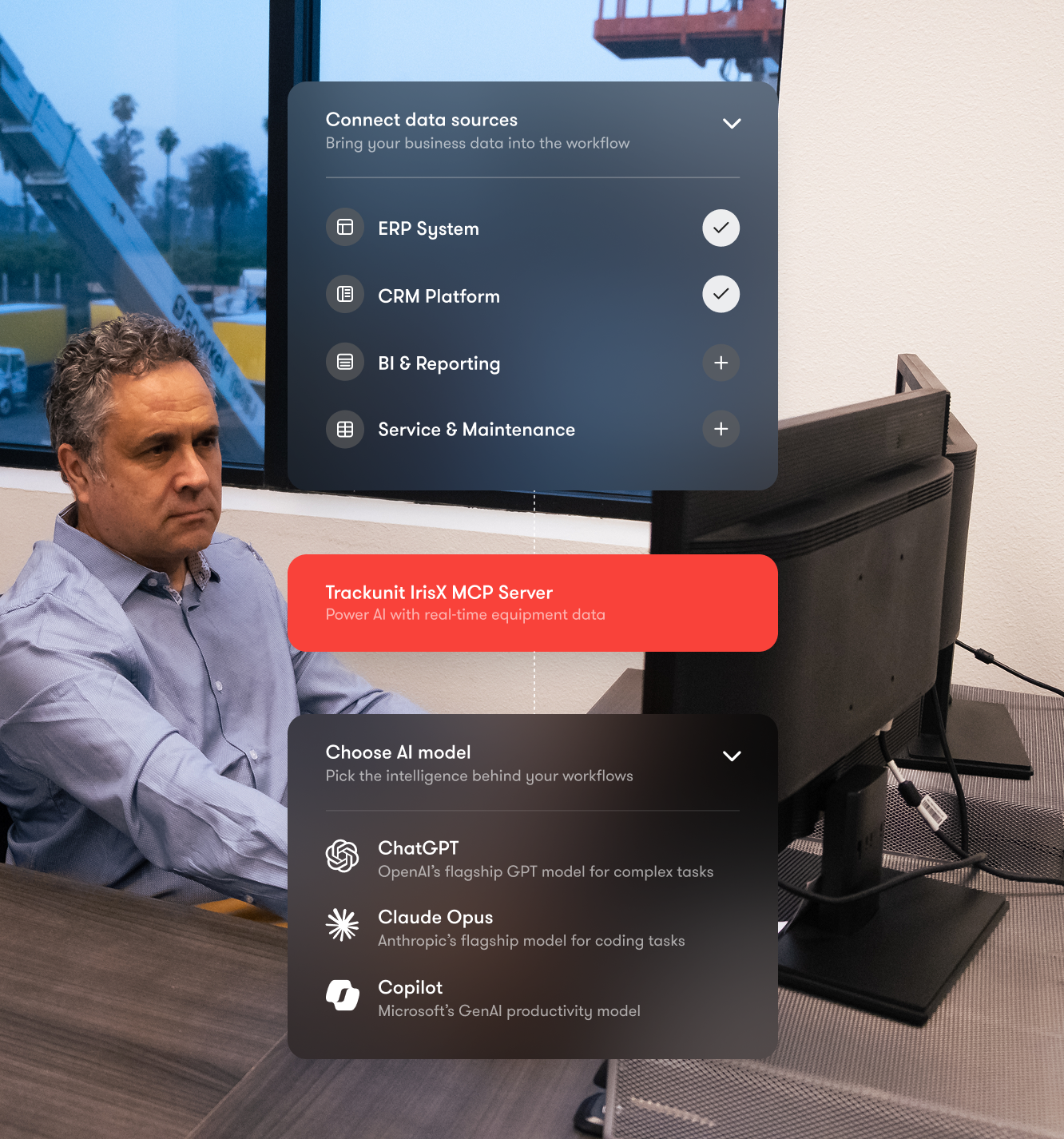
No developer required. Connect your AI tool, authenticate with the permissions you already manage, ask in plain language, and act on the answer.

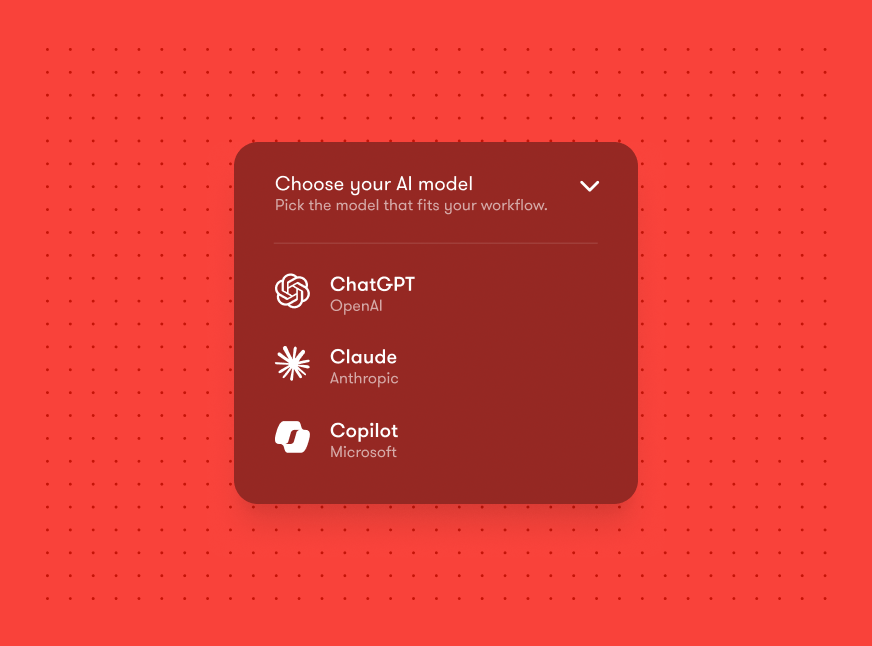
A workflow diagram shows data sources linking to the Trackunit IrisX MCP Server, then choosing an AI model for construction IoT.

01

Connect

Add IrisX MCP inside Claude, ChatGPT, or Microsoft Copilot. It connects securely over the open standard, with no custom integration to build.

02

Authenticate

Authenticate with your IrisX account. Access follows the Trackunit permissions you already manage, so everyone sees only what they’re cleared for.

03

Prompt

Ask your fleet anything in plain language. A report stopped at one answer. Now you ask, follow up, and act, without leaving the conversation.

04

Act

Turn any answer into action on the spot. Create an alert, update a record, or set the routine to run on its own from now on.

The essentials

The standards behind the connection

Connecting AI to your equipment shouldn’t mean lowering your guard. IrisX MCP is built on open, audited standards throughout.

Ask and act

What your teams can do, 
in plain language.

A black check mark on a light gray background, symbolizing approval or task completion in construction equipment tracking.

Prompt in natural language

A black check mark on a light gray background, symbolizing approval or task completion in construction equipment tracking.

Query your entire fleet

A black check mark on a light gray background, symbolizing approval or task completion in construction equipment tracking.

Analyst-grade questions and answers

A black check mark on a light gray background, symbolizing approval or task completion in construction equipment tracking.

Manage alerts

A black check mark on a light gray background, symbolizing approval or task completion in construction equipment tracking.

Update records via AI

A black check mark on a light gray background, symbolizing approval or task completion in construction equipment tracking.

Schedule recurring automations

Ready to connect

Works with the AI clients your teams already use.

A black check mark on a light gray background, symbolizing approval or task completion in construction equipment tracking.

Works with Claude, ChatGPT & Copilot

A black check mark on a light gray background, symbolizing approval or task completion in construction equipment tracking.

Native MCP server

A black check mark on a light gray background, symbolizing approval or task completion in construction equipment tracking.

Open standard, no lock-in

A black check mark on a light gray background, symbolizing approval or task completion in construction equipment tracking.

Connect easily

A black check mark on a light gray background, symbolizing approval or task completion in construction equipment tracking.

Real-time data, not snapshots

A black check mark on a light gray background, symbolizing approval or task completion in construction equipment tracking.

Consistent data across fleets

Enterprise-grade

Built on trusted standards, made for construction.

A black check mark on a light gray background, symbolizing approval or task completion in construction equipment tracking.

OAuth 2.1 authentication

A black check mark on a light gray background, symbolizing approval or task completion in construction equipment tracking.

Permission-based access

A black check mark on a light gray background, symbolizing approval or task completion in construction equipment tracking.

Role-based visibility

A black check mark on a light gray background, symbolizing approval or task completion in construction equipment tracking.

ISO 27001 architecture

A black check mark on a light gray background, symbolizing approval or task completion in construction equipment tracking.

Built for construction equipment

A black check mark on a light gray background, symbolizing approval or task completion in construction equipment tracking.

6.5M+ connected construction assets

The foundation

A foundation built for AI

IrisX MCP is one way in. Underneath it is the IrisX platform: decades of construction-specific intelligence, ready to turn your fleet and site data into answers you can act on.

Aerial view of a large construction site with cranes and equipment, featuring a central red plug X icon, suggesting connected jobsite.

Trackunit IrisX

The operating data platform for construction

Bring fragmented IoT and operational data together on an open platform to unlock actionable insights, automate workflows, and build digital solutions faster.

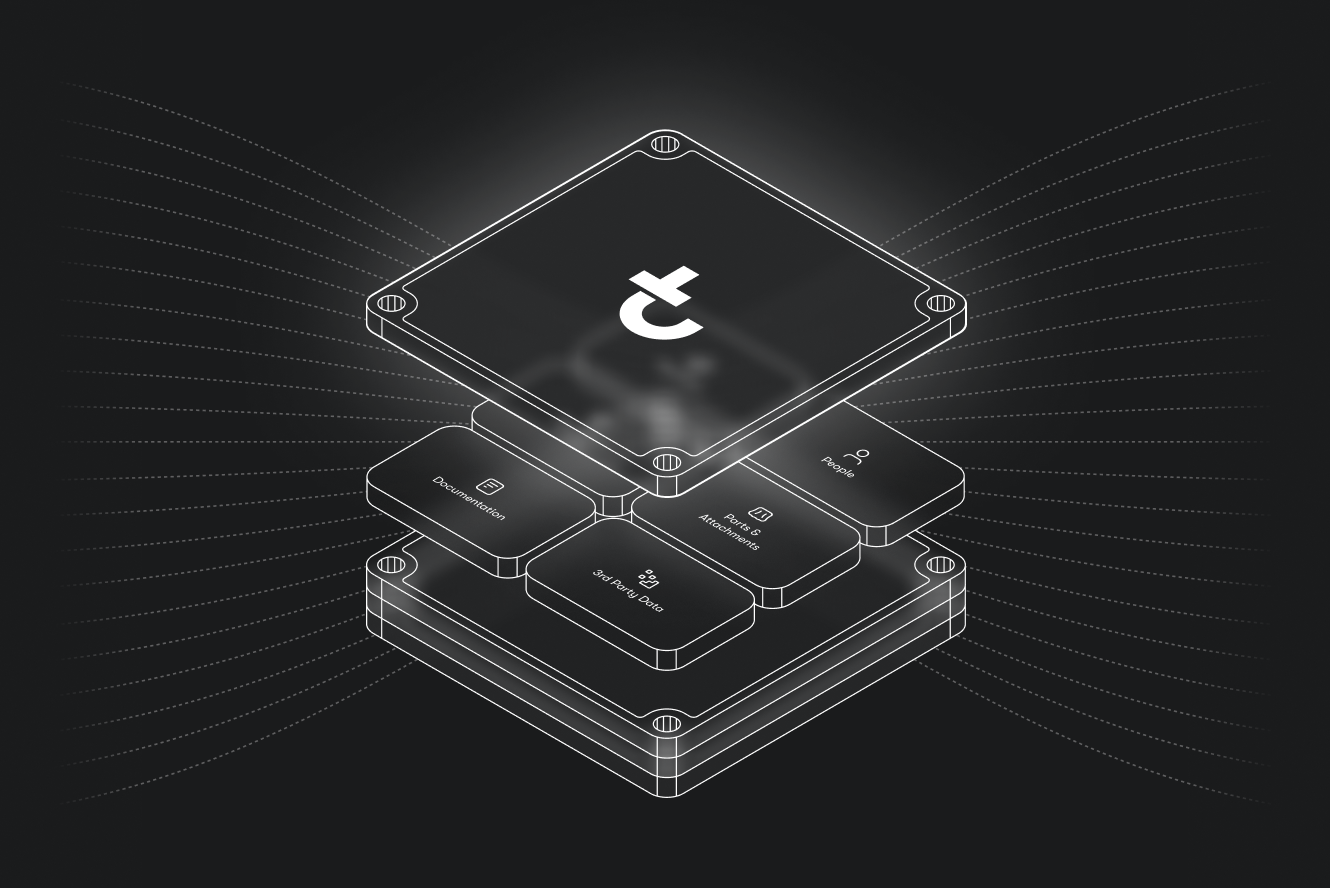
A glowing cube with the letter t floats above stacked labeled blocks on a dark background, symbolizing construction IoT with dotted lines radiating outward.

IrisX Platform Overview

From edge connectivity to AI driven orchestration

Turn your construction data into intelligence your AI agents can act on — enriched, contextualized, and ready for the complexity of real-world operations.

FAQs

Frequently asked questions about Trackunit IrisX MCP

What is Trackunit IrisX MCP?

Trackunit IrisX MCP lets AI tools like Claude, ChatGPT, and Copilot securely query your live IrisX fleet data using natural language, so you can ask your fleet anything instead of navigating dashboards and take actions directly on the insights you access in your AI tool.

Claude, ChatGPT, and Microsoft Copilot, all connect to Trackunit IrisX MCP via the open Model Context Protocol, with no custom integration required. Visit the Help Center for more information.

Yes. Every query is scoped to your account and existing IrisX permissions, so the AI only ever sees and acts on data you're already authorized to access.

Generic MCP hands an AI raw tables and lets it guess. IrisX MCP gives it governed tools: OEM fault codes, utilization thresholds, service history, etc. built from 20+ years of construction data.

Any active IrisX subscriber can install the MCP from the app library of their AI tools or request access via the Trackunit Marketplace. Usage draws from your existing IrisX credit balance, so there's no separate subscription or software to install.

Request a demo

Get hands on with the solutions that can empower your digital journey. Let’s connect and find the right time and place to explore your connectivity potential.

Resources

Dig deeper into Trackunit IrisX MCP

Articles and guides on what IrisX MCP is, why it matters, and how to get started.