Trackunit Go︱Fleet Monitoring App

Your fleet always
within reach

Trackunit Go gives technicians real-time fleet visibility with smart alerts, machine-health insights, and live tracking to reduce downtime.

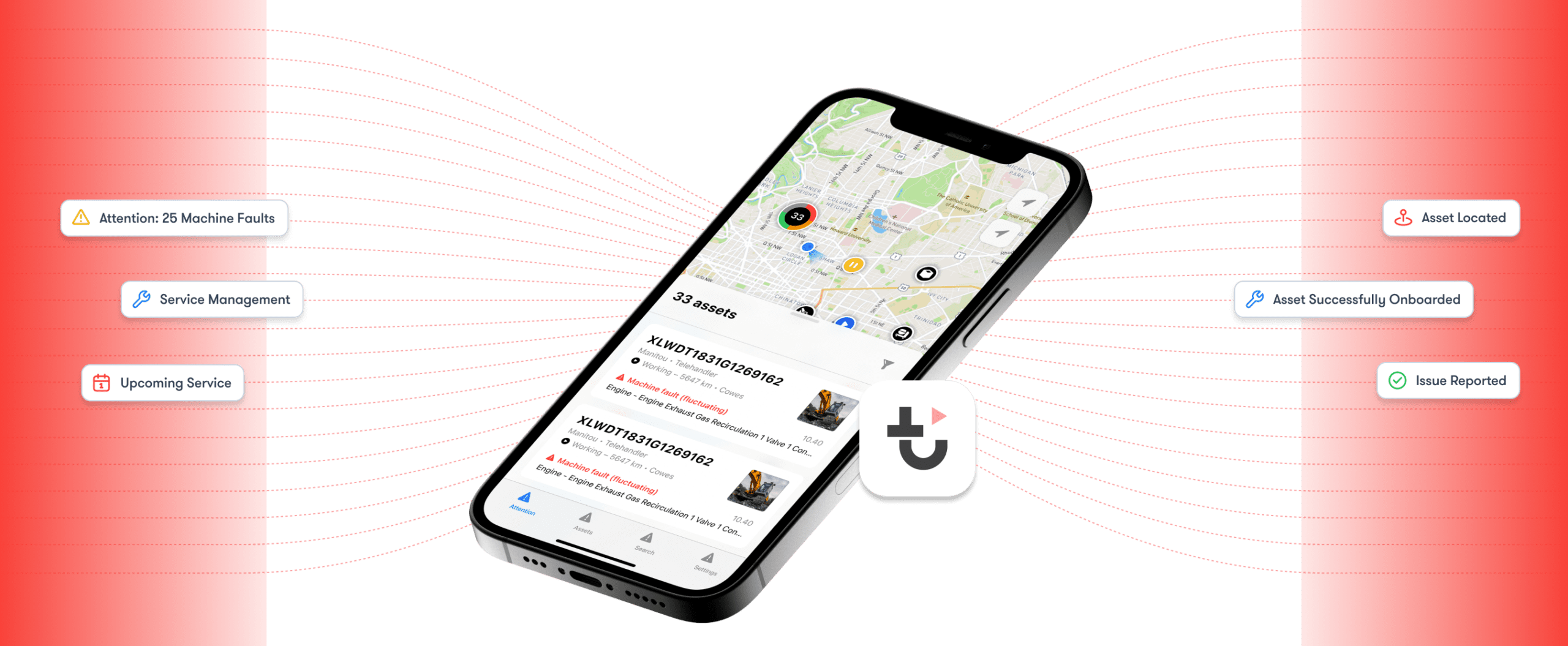
A smartphone shows a map and service list, with icons for asset issues and activity, highlighting construction equipment tracking.
App Introduction

Fleet management at your fingertips

Monitor machine health, locate equipment, and respond to issues in real time, all from Trackunit Go.

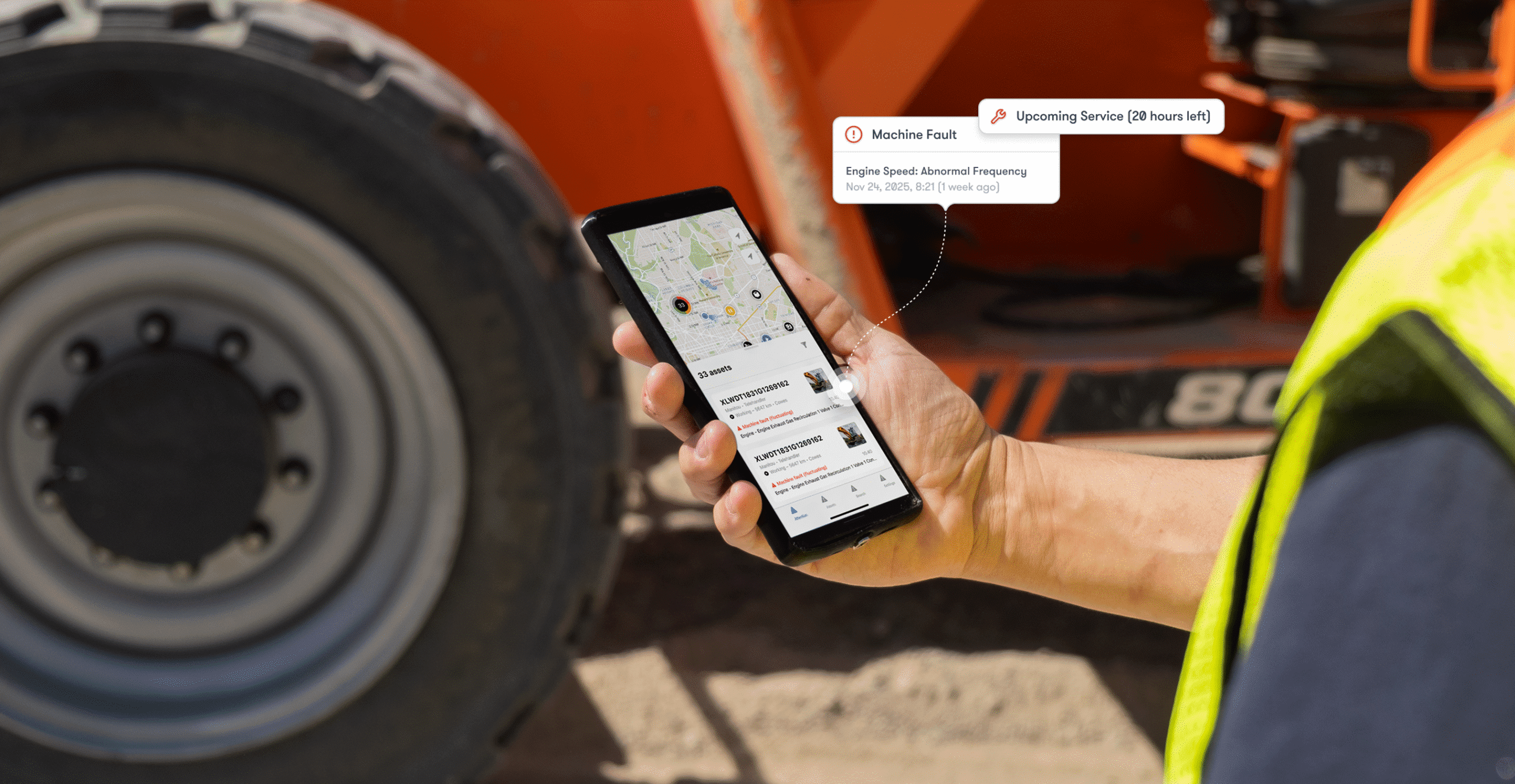
A person in a high-visibility vest holds a smartphone with a map and job info near construction equipment, showing fleet management.

Monitor

Get instant notifications about machine faults and health alerts before issues become costly downtime.

A simple red computer monitor icon with a rectangular screen and single stand on a white background, symbolizing connected jobsite.

30% reduction in unplanned equipment downtime through real-time health monitoring

Respond

Log faults and visualize machine health to enable proactive maintenance and faster troubleshooting.

A red outline icon of a wrench and screwdriver crossed, representing tools or settings for construction equipment tracking.

15% lower maintenance costs with fast issue resolution using advanced troubleshooting

Optimize

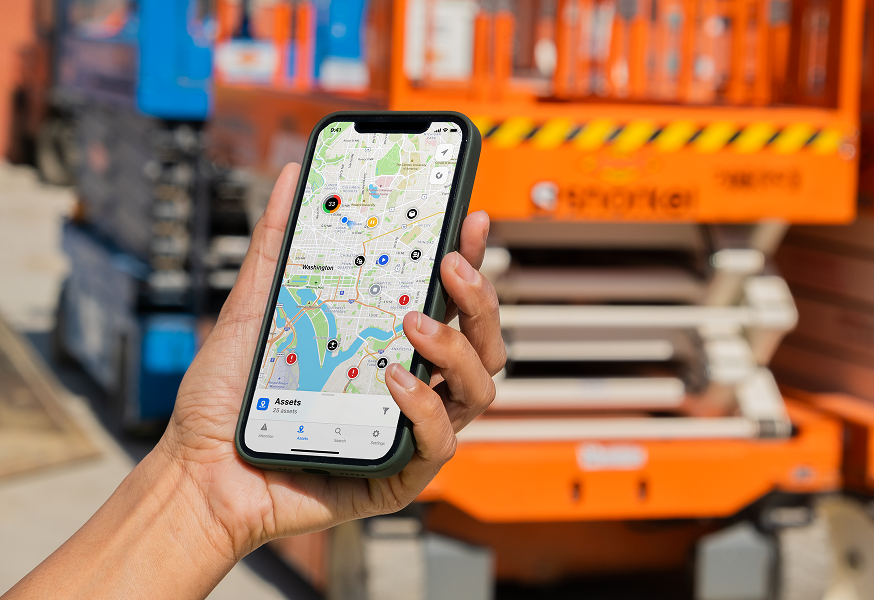
View your entire fleet on a live map with status indicators to coordinate work and optimize machine utilization.

Two parallel red arrows on a light background, one pointing right and above, one left and below, representing fleet management.

Over 2 million asset searches performed across the world

A white QR code on a pale background with four corner markers and a pattern of gray dots, used for construction equipment tracking.

Get it on

Scan to download

A faint white QR code with a subtle pattern on a white background, making it hard to scan—potential use in construction equipment tracking.

Download on the

Scan to download

FAQs

We’ve got answers to your top questions about Trackunit Go

What is Trackunit Go used for?

Trackunit Go helps fleet managers and service technicians view machine data, review issues, and report problems from their phones.

Yes. Users require a Trackunit Manager login. If they do not have one, they should ask their fleet admin to create an account.

Yes. Users can log and track issues, add photos, and notify their team about issues directly from the app.

No. Trackunit Go requires an internet connection to access real-time fleet data, machine insights, and alerts.

App Resources

Get started with Trackunit Go

Explore articles and learning sessions designed to help you begin with Trackunit Go and make the most of every feature from day one.

Ready to connect your fleet with mobile?

Get hands on with the solutions that can empower your digital journey. Let’s connect and find the right time and place to explore your connectivity potential.

Solutions

Explore Trackunit’s solutions

Discover the solutions that unlock new value from your equipment data and accelerate your journey to eliminate downtime.

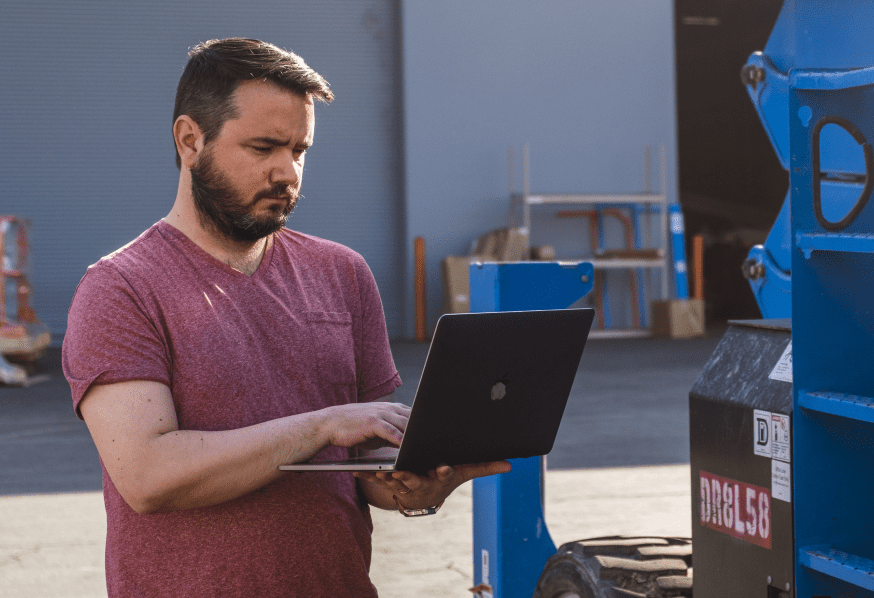
A bearded man in a red t-shirt uses a laptop outdoors by industrial equipment and pallets, suggesting construction equipment tracking.

Machine maintenance

Maximize fleet life with health insights

With Trackunit, turn real-time CAN data, fault codes, and service insights into proactive maintenance that keeps your fleet running, eliminating costly downtime.


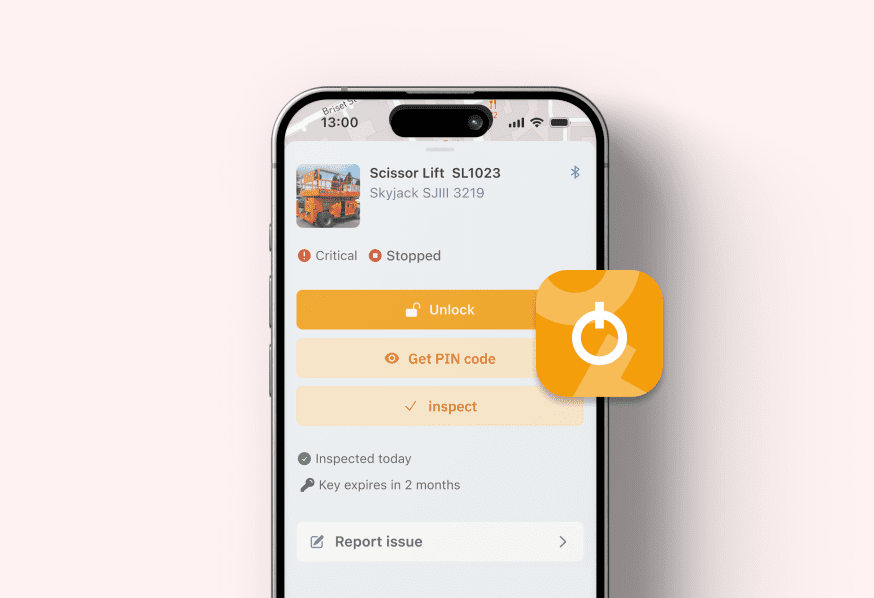
A smartphone shows an equipment management app for a scissor lift with status alerts, unlock, PIN options—construction equipment tracking.

Trackunit On

Empower operators. Protect every jobsite.

With Trackunit, equip your operators with secure digital credentials, enforce permissions, and track usage across your entire fleet.

Virtual event

Trackunit Next 2026: AI in Construction

AI, data, and connected operations are accelerating a major shift in construction. Join us to explore what 2026 will demand and unlock.